Campaign Sorting and Tags
Lead Prosper has added two new improvements to help you organize your campaigns. To watch a video tutorial on these new features click here
First, we’ve added the ability to sort campaigns by campaignID and name. This will help you group together similar campaigns

For example, if you’re in home services and have multiple roofing campaigns with similar names, just sort by name to group all of these campaigns together

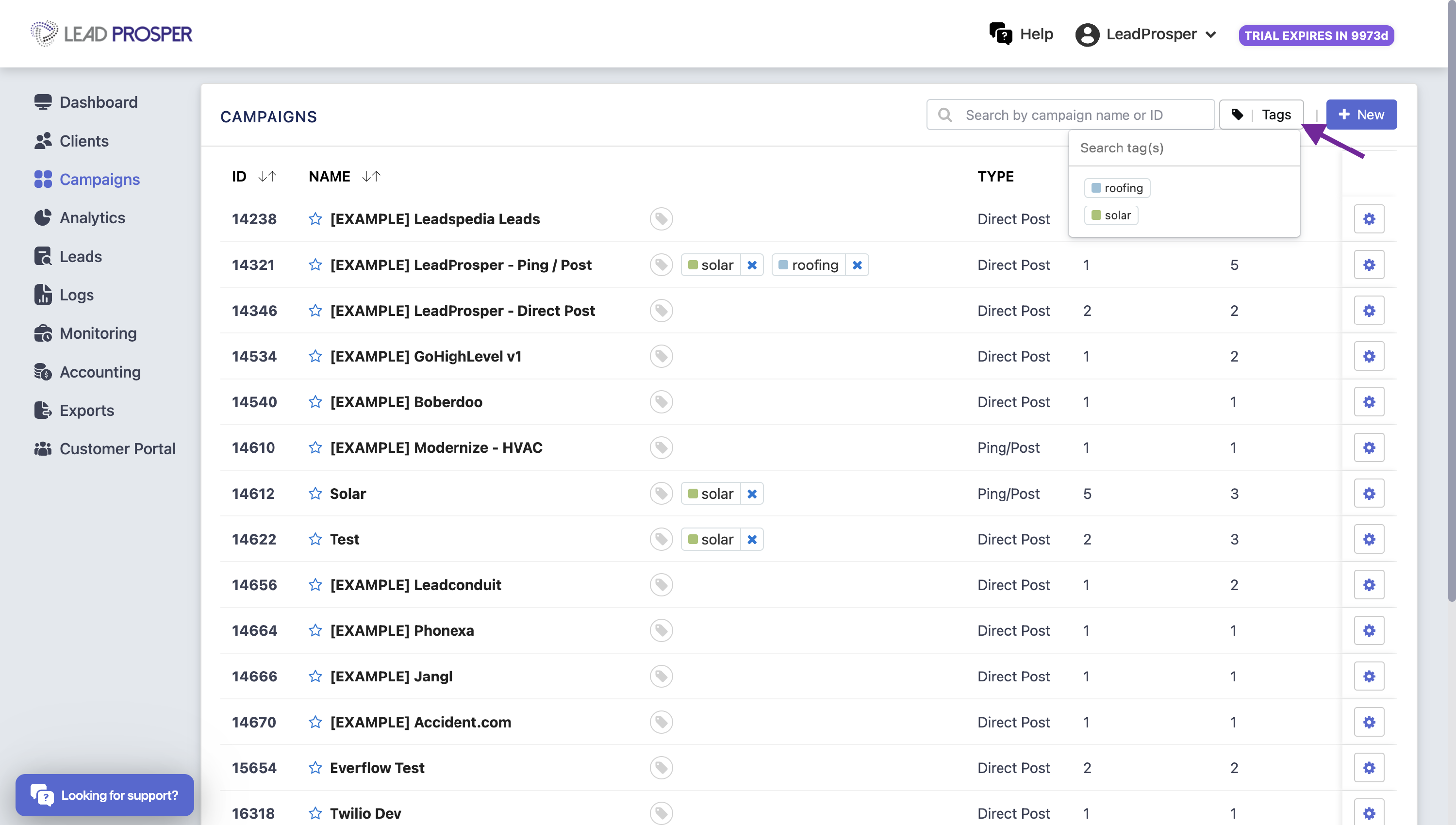
Next, we added the ability to tag your campaigns. Your account can have unlimited tags, and you can apply up to 3 different tags per campaign. From the campaign view you can click the Tags button to display certain tagged campaigns
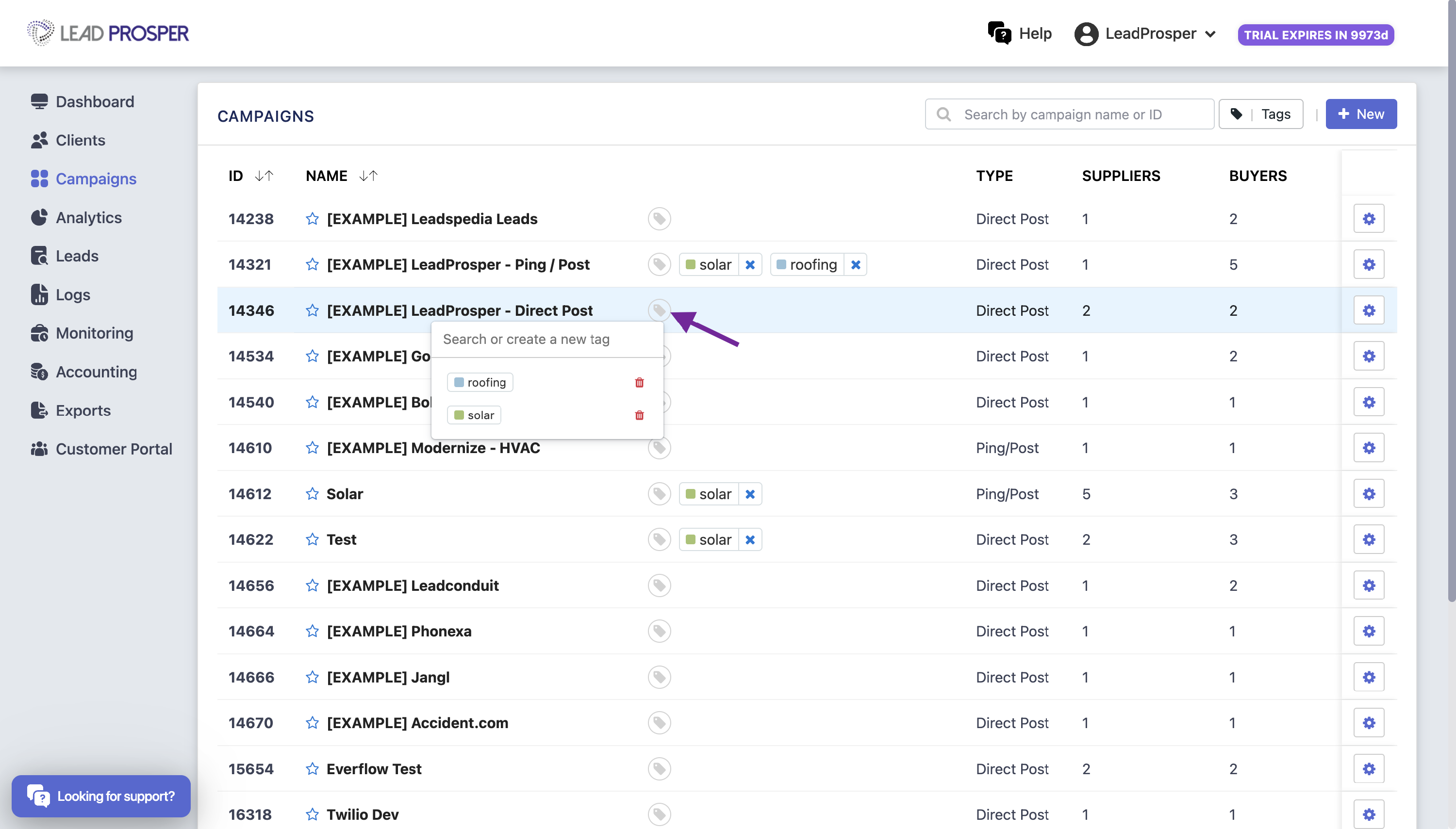
To create a tag, click the tag icon to the right of the campaign and enter your tag name
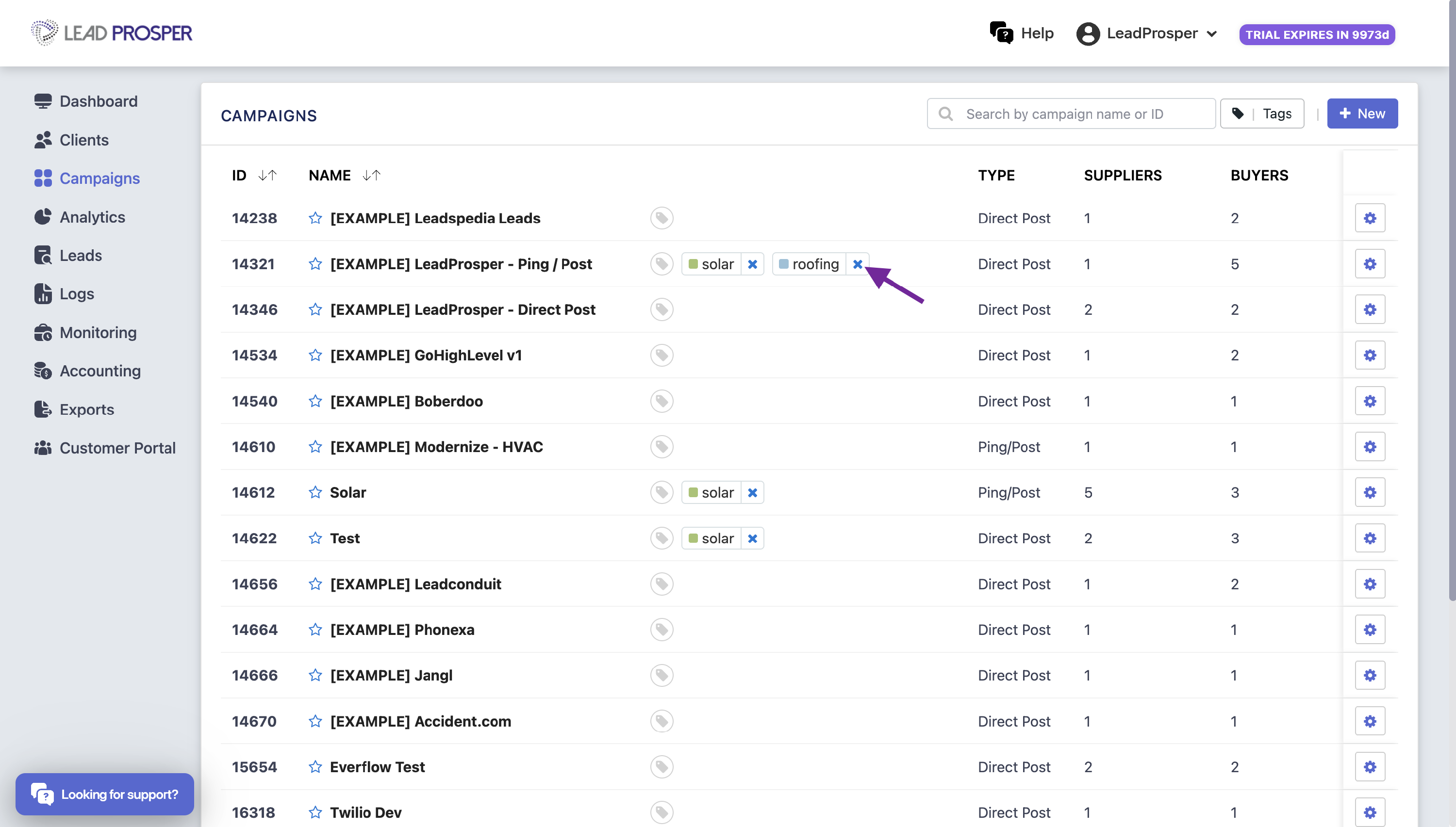
To remove a tag from a campaign, either click the “x” beside the tag or click the tag icon then deselect the tag
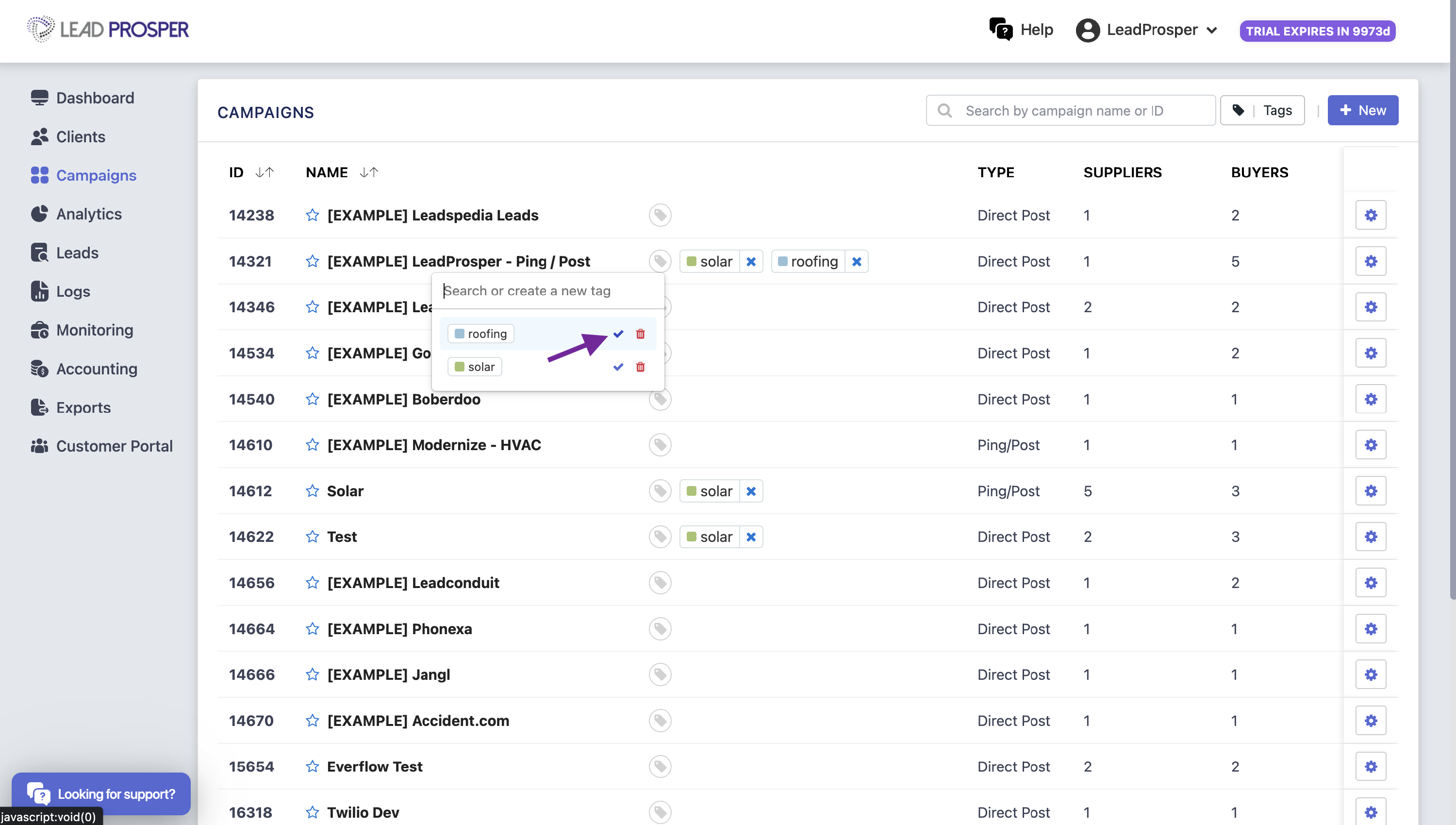
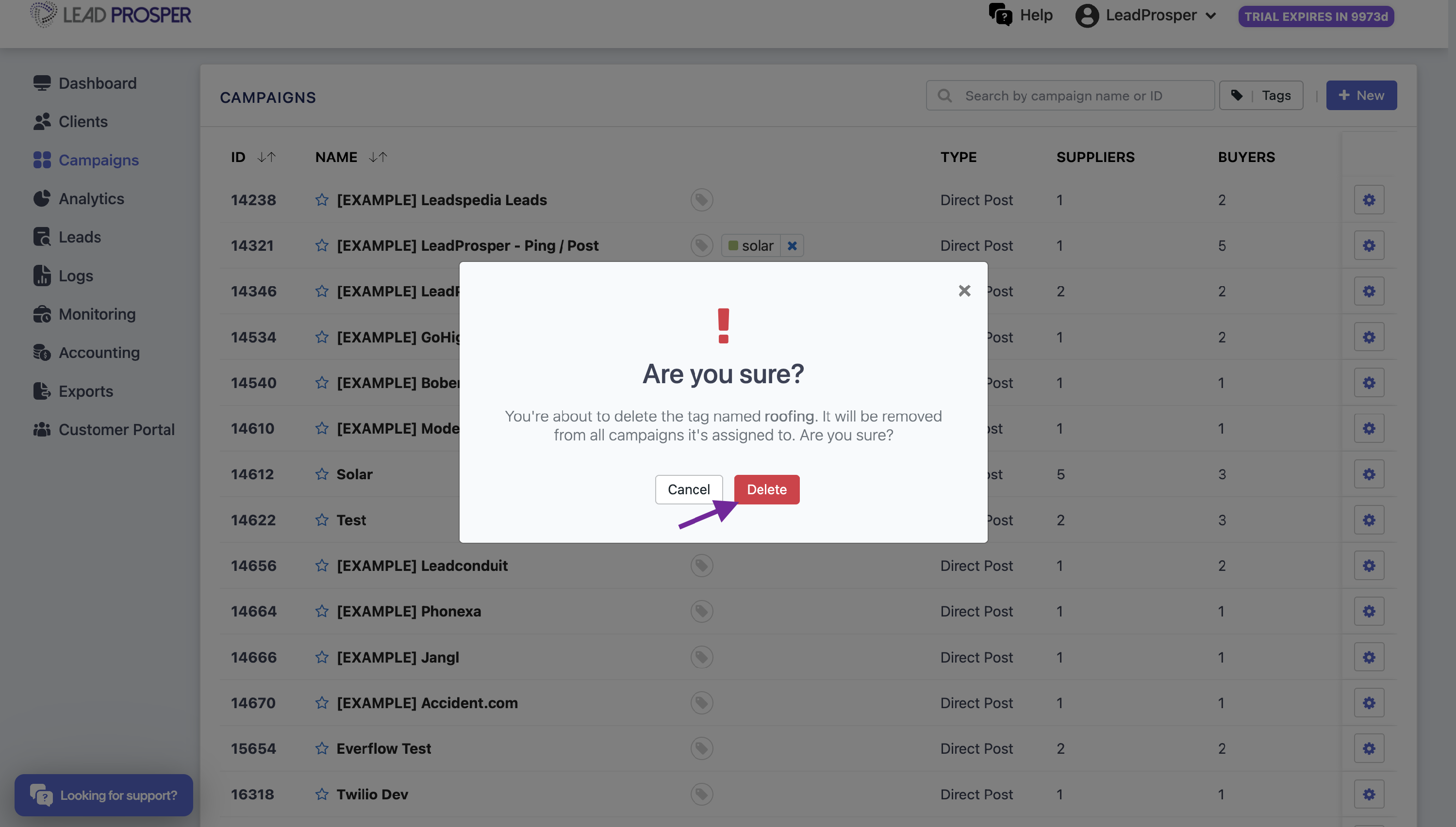
To delete a tag completely from all campaigns, click the tag icon then, click on the trash can icon to the right of the tag. This will permanently delete the tag from ALL campaigns and cannot be undone!