.png)
Integrations Page - Platform Tour
The Integrations page allows you to manage the third-party services connected to your Lead Prosper account. From this page, administrators and team members can enable or disable integrations, update API credentials, and manage connections with supported services.
Lead Prosper supports a wide range of integrations that help automate validation, compliance checks, fraud prevention, and data workflows throughout your lead distribution process.
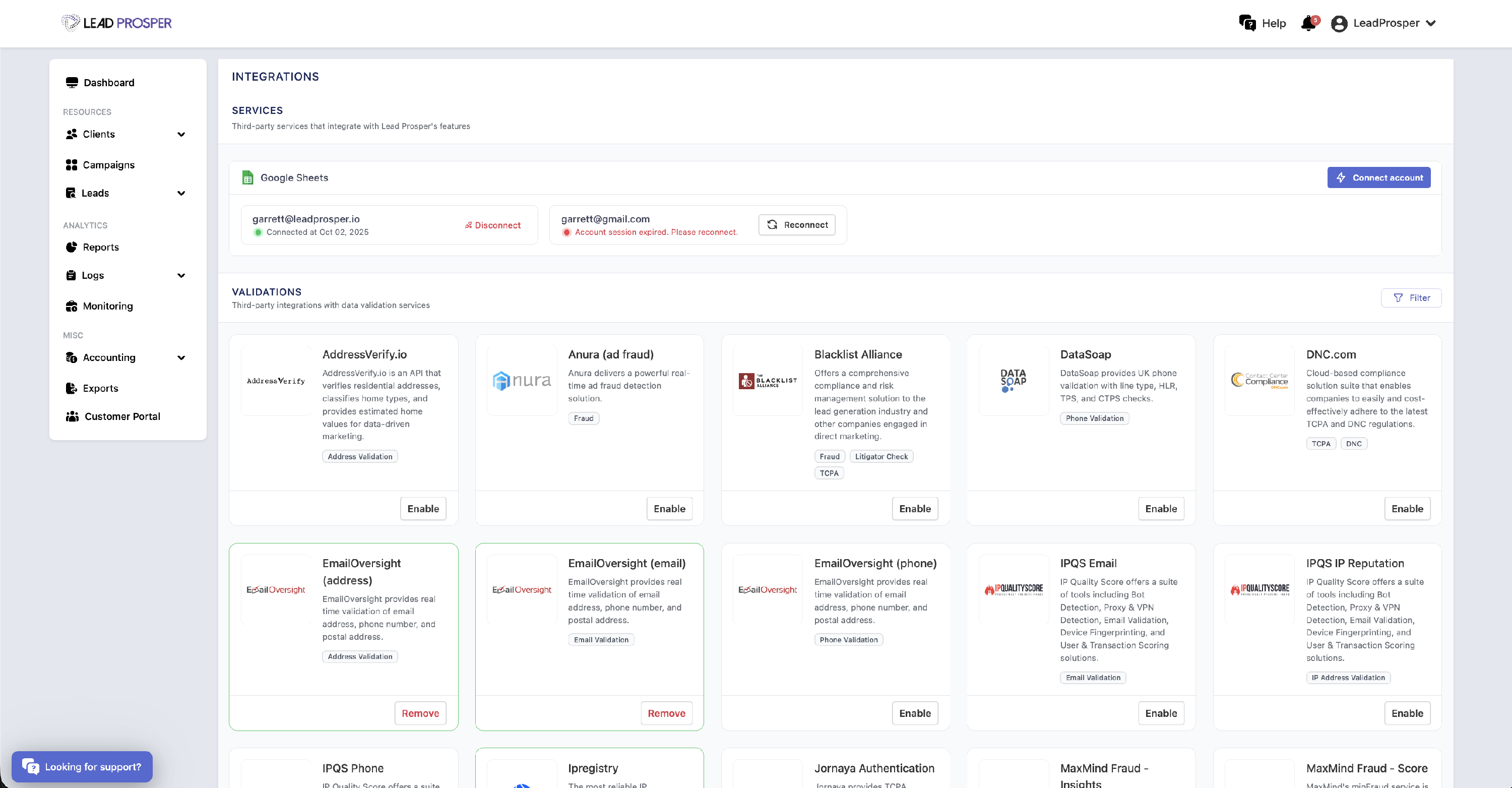
On the Integrations page, you can:
- Enable or disable available third-party integrations
- Add or update API keys and credentials required for integrations
- Connect, reconnect, or disconnect Google accounts used for Google Sheets integrations
- Manage integrations used for validation, compliance, fraud protection, and automation
The Integrations page allows you to control how Lead Prosper connects with external tools and services that support your lead operations. It is commonly used when enabling a new service, updating API credentials, disabling unused integrations, or reconnecting a Google account for Google Sheets workflows. With a large library of integrations available—including services for phone and email validation, fraud protection, TCPA litigator lists, DNC/RND checks, and other compliance tools—this page ensures your account can seamlessly connect with the systems that power your lead generation and verification processes.
Learn more about our integrations on our website - https://leadprosper.io/integrations