.png)
Clients Area - Platform Tour
The Clients Area allows you to manage the companies you do business with in Lead Prosper. Clients serve as the top-level entities used to organize Buyers and Suppliers within your account.
While a Client profile is intentionally simple—typically requiring only a company name—it plays an important role in reporting, accounting, and user management. Clients are used to associate Buyers and Suppliers with the companies they belong to and to map Supplier Portal and Customer/Buyer Portal users to their respective entities within Lead Prosper.
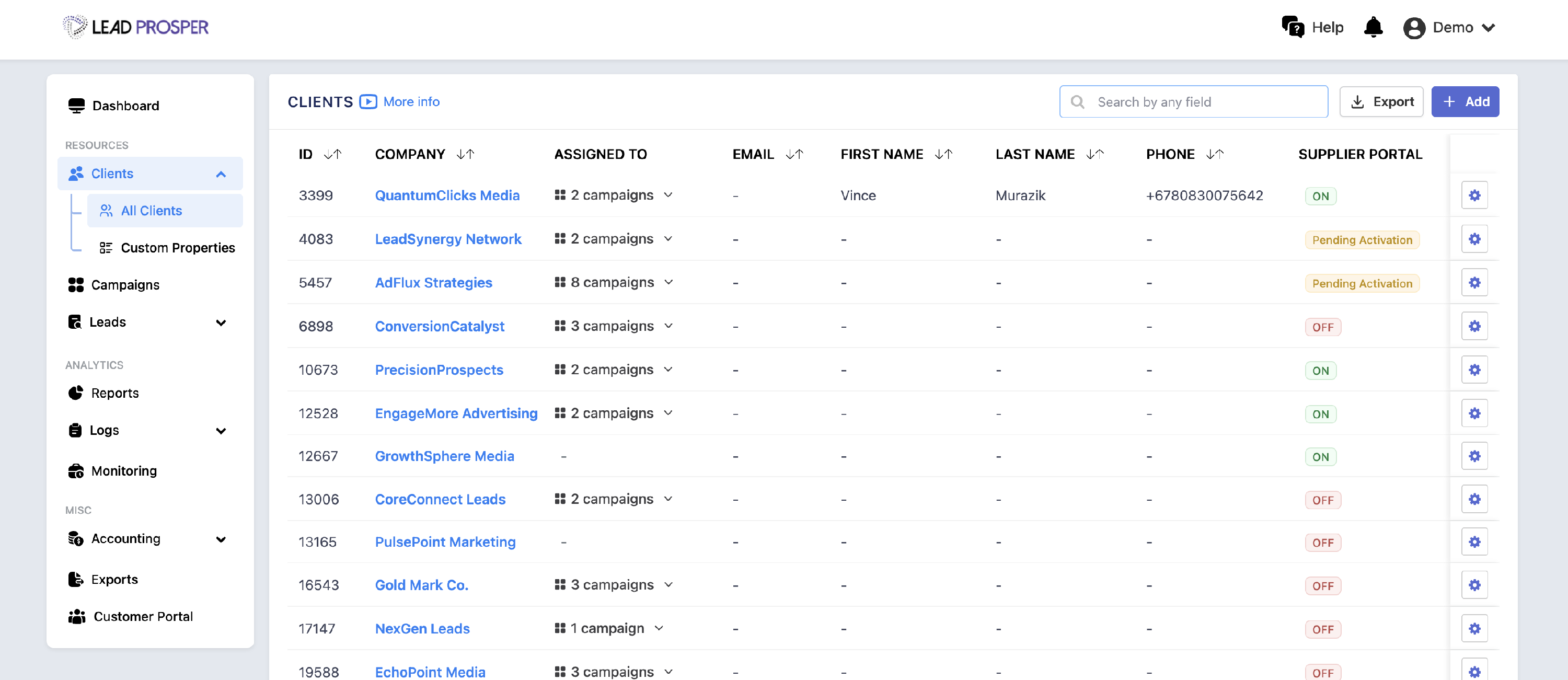
From the Clients Area, you can:
- Add, edit, or delete Client profiles
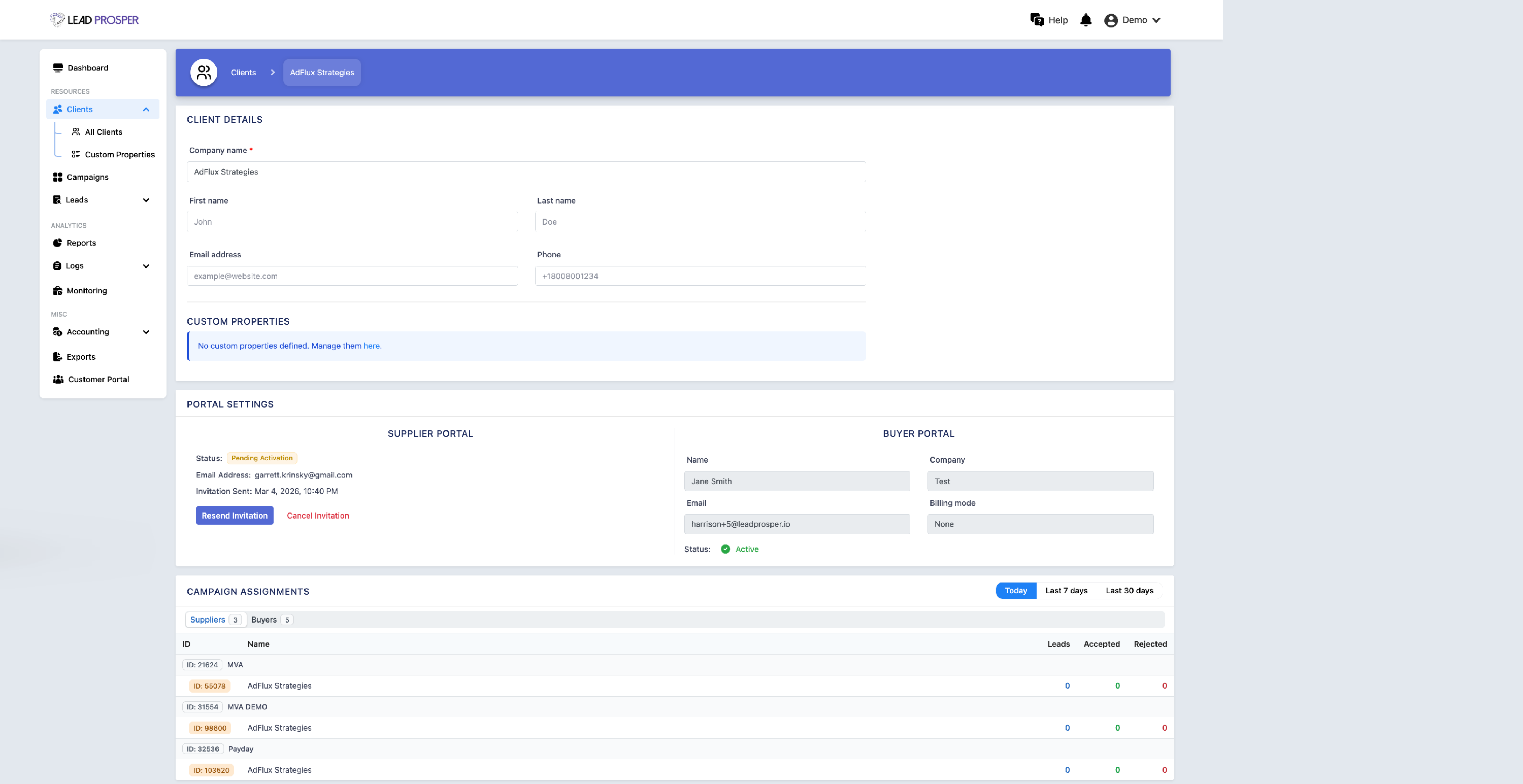
- Update company details such as company name, contact name, phone number, and email
- Invite or remove Clients from the Supplier Portal or Customer/Buyer Portal
- View which campaigns a Client is assigned to as a Supplier and/or Buyer
- Add and manage custom properties for Client profiles
Click the links below to learn more about topics related to the Clients in your account:
Give Your Suppliers Transparent Lead Reporting With Lead Prosper's Supplier Portal