.png)
Lead Prosper Dashboard - Platform Tour
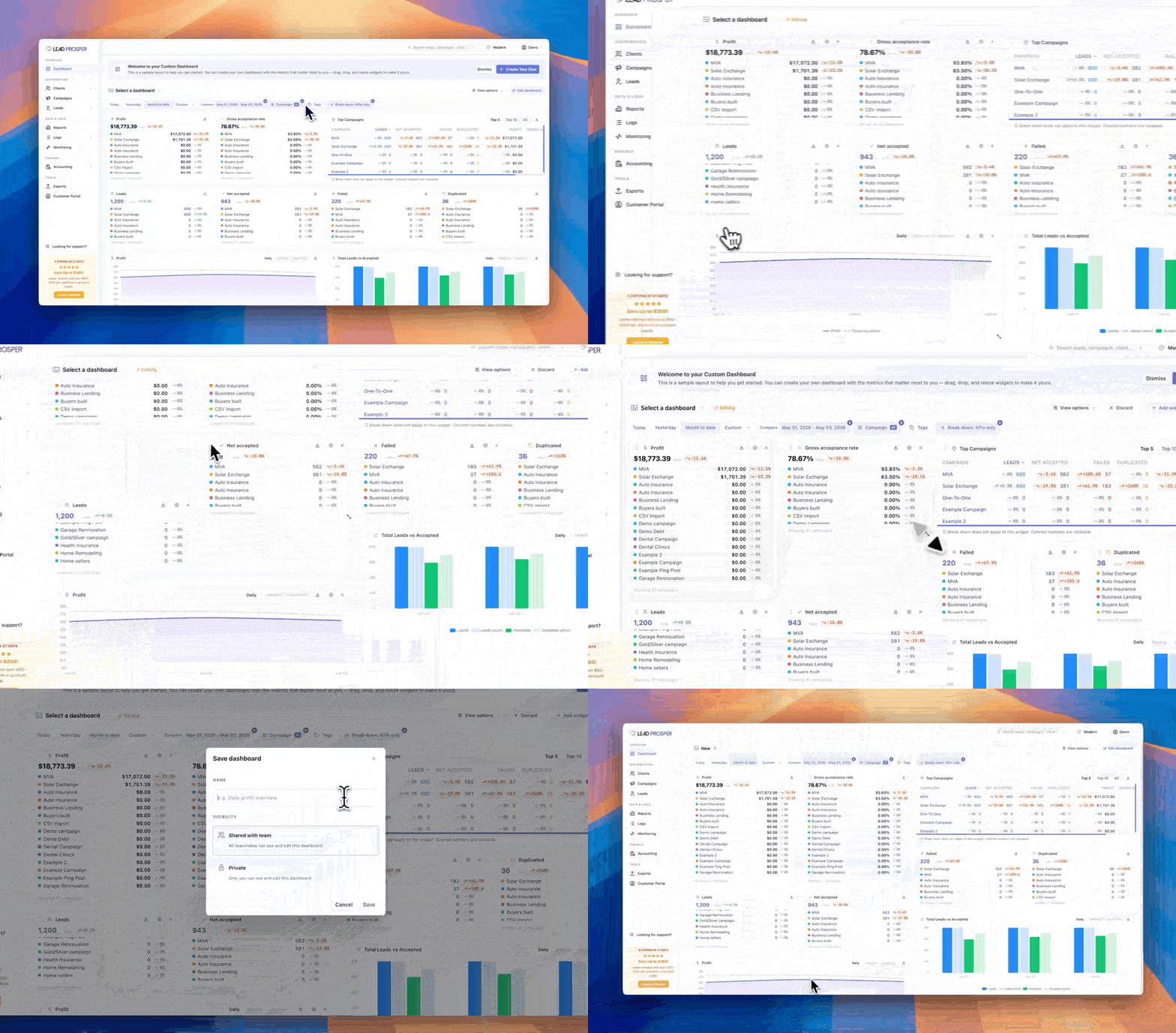
The Lead Prosper Dashboard serves as the command center for your account, providing a centralized view of the metrics and KPIs that matter most to your business. Designed to be fully customizable, the dashboard allows you to build personalized views using widgets that track performance, financial, Ping/Post Exchange, and lead quality data.
Whether you're monitoring campaign performance, tracking revenue, or keeping an eye on lead quality, the dashboard gives you quick access to the information you need every time you log in.
What You Can Do Here
On the Dashboard, you can:
- Add and customize widgets for key performance metrics
- Rearrange and resize widgets using drag-and-drop controls
- Filter data by date range, campaign, or campaign tag
- Display comparison data to analyze performance trends
- View campaign-level breakdowns directly within widgets
- Enable automatic refresh intervals for near real-time reporting
- Create multiple dashboards tailored to different teams, goals, or workflows
The Dashboard provides a flexible, personalized view of your Lead Prosper account, allowing each user to focus on the metrics most important to their role. It is commonly used to monitor campaign performance, track financial results, analyze Ping/Post activity, and identify quality trends across lead sources and buyers. With customizable layouts, powerful filtering options, and support for multiple dashboard views, the Dashboard serves as the central reporting hub for your entire lead distribution operation.